
01
Pick an animation
Pick from our large collection of handmade animations
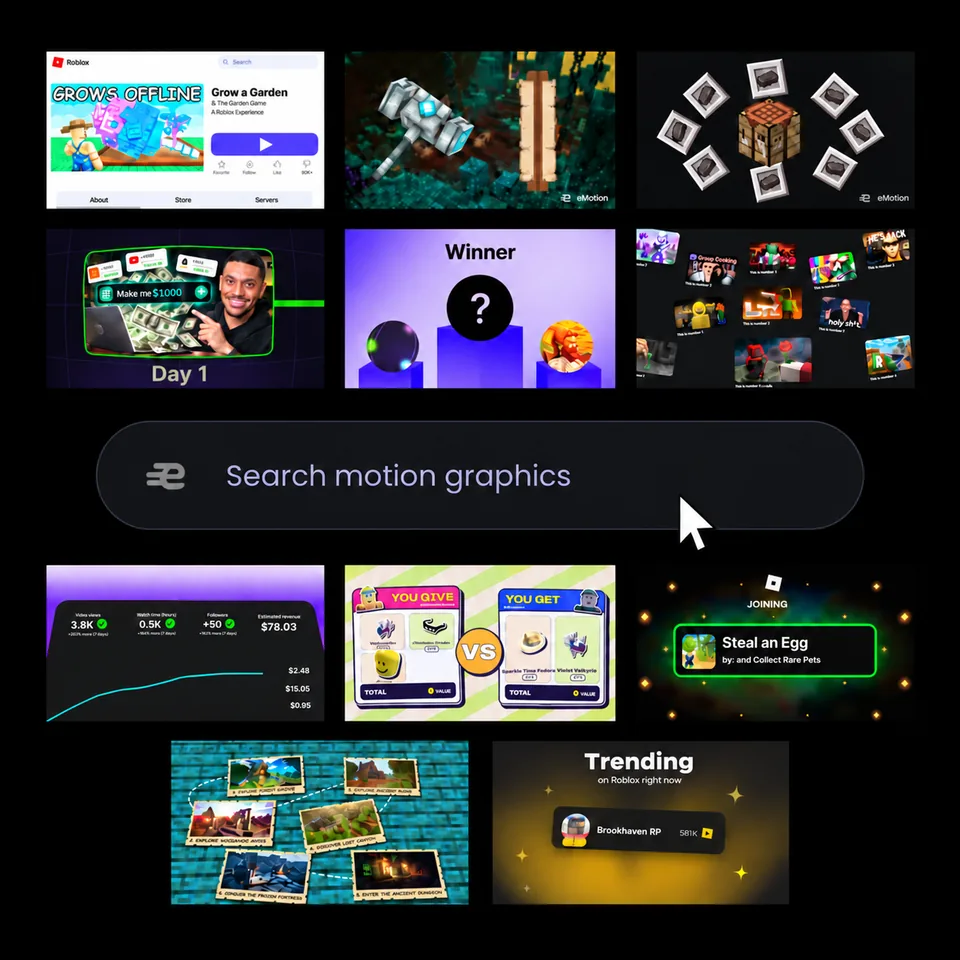
Weekly Animations
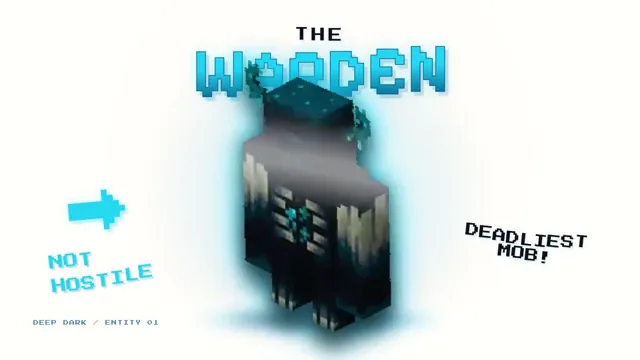
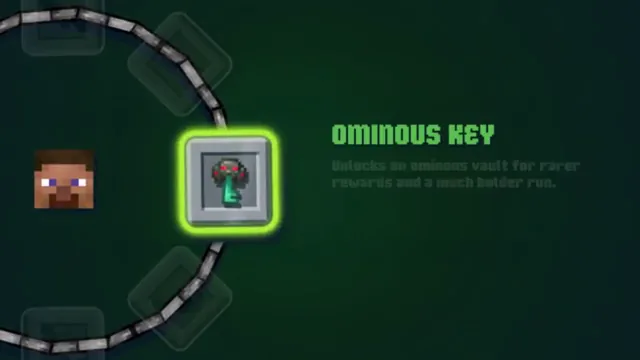
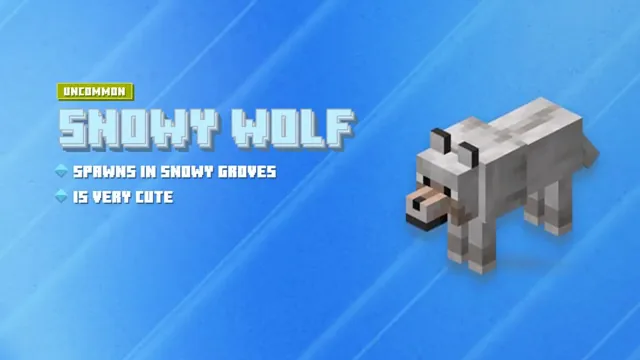
Create item reveals, player showcases, crafting animations and video overlays. Customise text, colours and images online, then export to your favourite video editor.
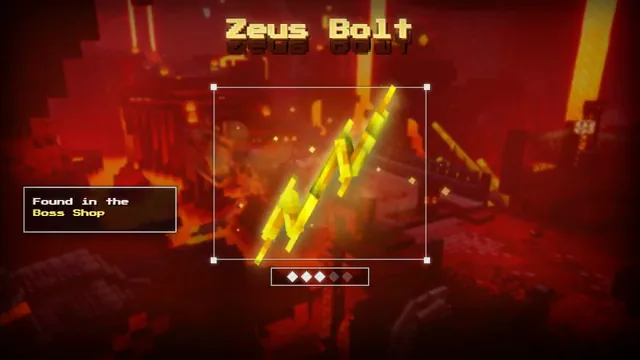
High-impact game edits built for reveals, drops and creator content.
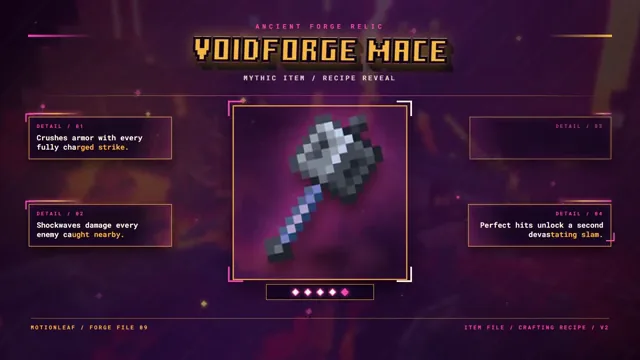
Fast, energetic animations that keep every moment moving.
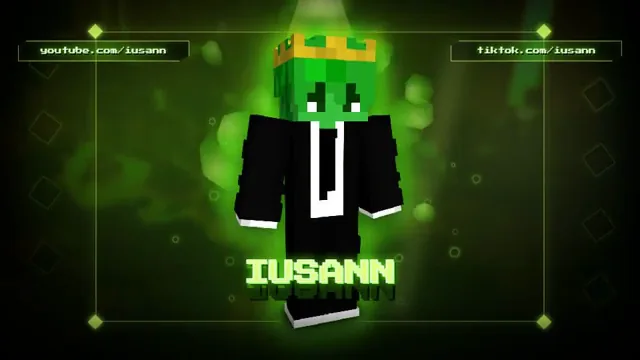
Polished overlays that make streams and videos feel complete.
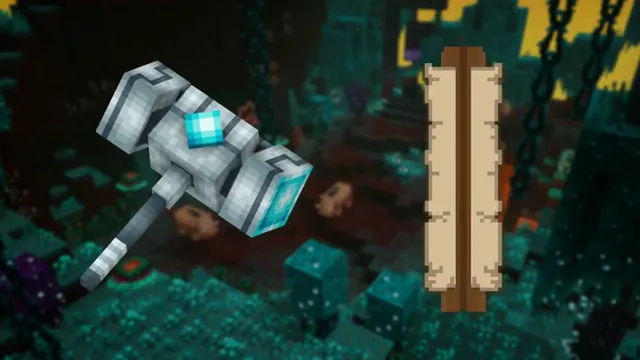
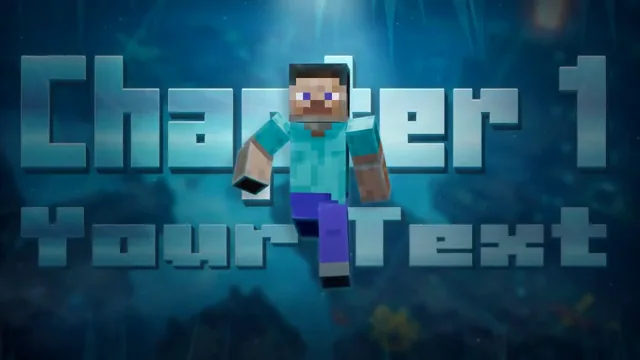
Flexible layouts for images and storytelling moments.
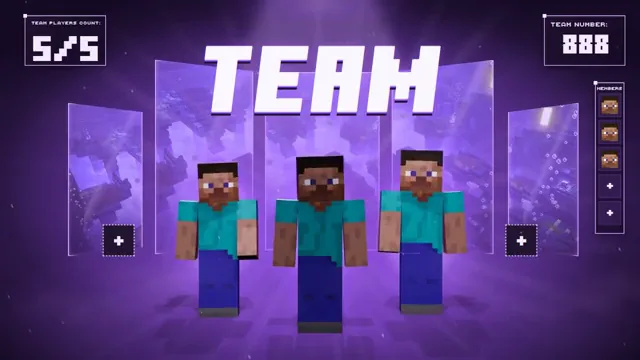
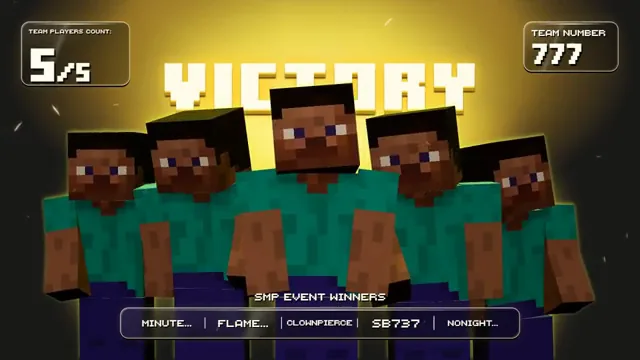
Detailed player scenes that bring your team into the spotlight.
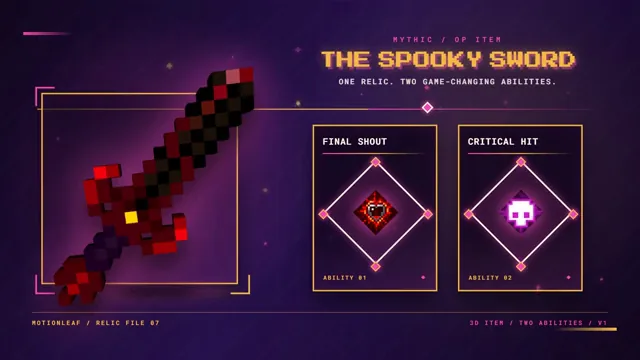
Showcase weapons, abilities and details with studio-quality motion.
We spent the time so you don’t have to
Pick from our large collection of handmade animations
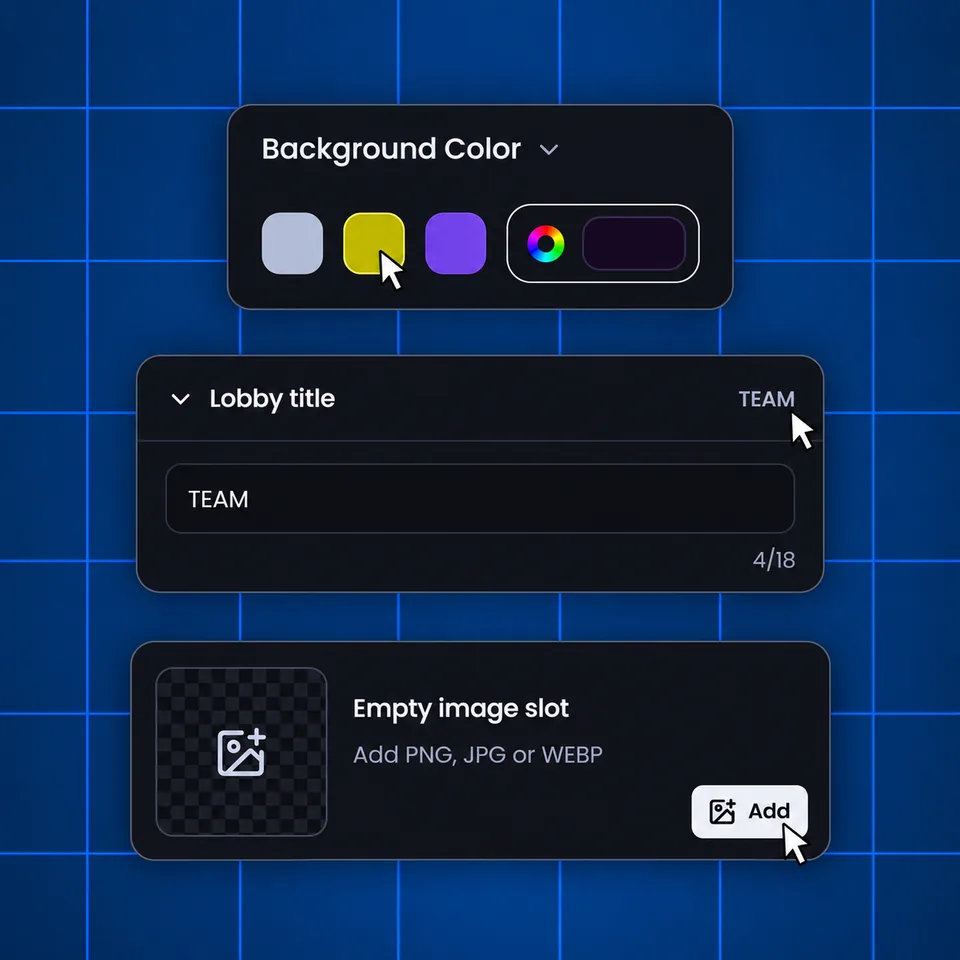
Change the animation by adding images, changing text, colour or values
Export your custom animation in up to 4K and import it into your favourite editing app
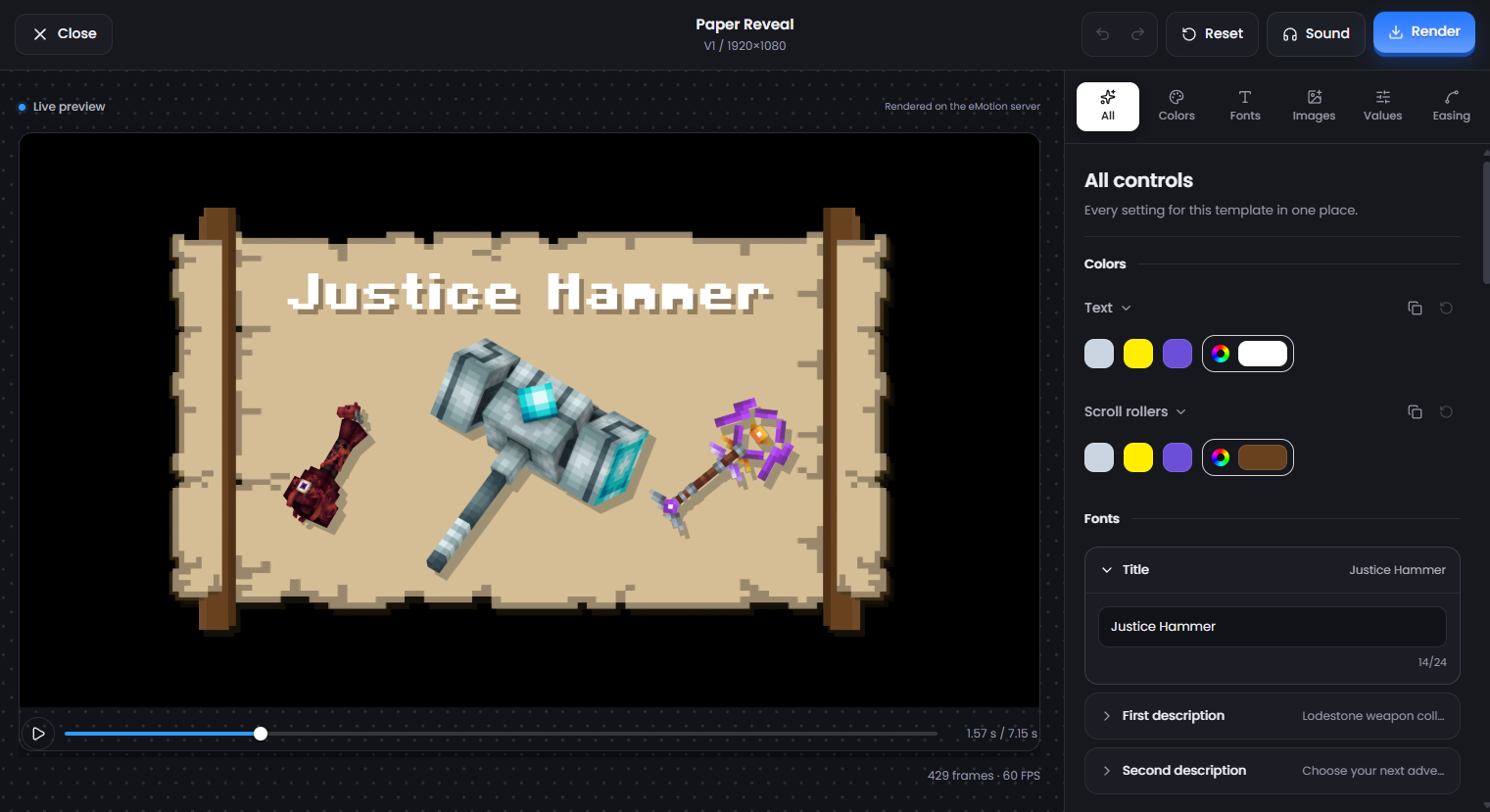
Our animations are completely customisable from changing the colour, assets, values, text and so much more.
We’ve answered the most frequently asked questions
Yes. Choose an eMotion template for an item reveal, player showcase, crafting animation or title, then customise the available text, colours, images and values in your browser. Export the finished clip and add it to your usual video editor.
Supported templates offer WebM or MOV exports with transparent alpha. Check the chosen template's available formats and your video editor's compatibility. MP4 exports have a background.
Start with a handmade animation instead of building one from scratch. eMotion lets you personalise an existing design with your own colours, text, images and values, so you can create a consistent result without commissioning each animation individually.
No animation experience is needed. Pick a template, adjust its settings in the visual editor, and export your animation. You can change text, colours, images and values without working with keyframes or animation timelines.
Browse the different animation categories and try searching for the style or effect you need. You can also customise an existing template to fit your idea. If you still can't find the right animation, share your request with our support team.
Contact our support team and include the animation name and a description of what you're trying to do so we can understand your question. support@emotion.gg
eMotion is a collection of customisable motion graphics. Choose an animation, make it your own in the editor, then export it to use in your videos and your favourite editing app.
Still wondering? Talk directly to the team